The Default Config
You will learn
- how the compositor loads rc.lua, and what happens when it contains an error
- the structure of the stock config: error handling, theme, menu, wibar, keybindings, rules, signals
- how to run a work-in-progress config in a nested session on SomeWM or AwesomeWM
- how to recover when a config change goes wrong
You write no code in this chapter. Instead, we read the file we are about to spend twelve chapters rebuilding, so that when we start tearing sections out you know exactly what each one did.
Where We Are
There is no previous chapter; this is the start. Clone the companion repository and check out the baseline branch:
git clone https://github.com/trip-zip/awesome-from-scratch.git
cd awesome-from-scratch
git checkout 00-default
The branch contains two files: a README and a 693-line rc.lua. That rc.lua is the stock configuration that ships with the compositor, unchanged apart from running it through this repository's stylua formatting. Every later branch is exactly one commit on top of the branch before it, so git diff between neighboring branches always shows you one chapter's worth of change.
What rc.lua Is
rc.lua is the entire window manager configuration: one Lua program that the compositor executes, top to bottom, exactly once at startup. There is no config file format to learn. Defining a keybinding, building a bar, styling a border: all of it is ordinary Lua calling the compositor's libraries. After the file finishes running, nothing "re-runs" it; everything that happens afterward is driven by callbacks the file registered.
Two consequences matter from day one:
- A broken rc.lua does not lock you out. If your config throws an error during startup, the compositor falls back to the system default config and shows a critical notification with the error message. You get a working (ugly) desktop and a stack trace, not a black screen.
- Reloading is just re-executing.
Mod4+Control+rrestarts the compositor in place, which re-reads rc.lua. Your edit-reload loop is a keypress.
The compositor looks for the file at $XDG_CONFIG_HOME/somewm/rc.lua (or ~/.config/awesome/rc.lua on AwesomeWM), but you can point it at any path, which is exactly what the nested test session below does. Throughout this series we run straight out of the git checkout.
A Tour of the File
Open rc.lua and skim it alongside this section. The file is divided by fold-marker comments like -- {{{ Menu, and you will see markers like -- @DOC_WIBAR@ scattered around: those are anchors used to generate the official API docs from this same file. Ignore them.
Libraries and Error Handling
The top of the file pulls in the standard libraries you will use constantly: gears (utilities), awful (window management), wibox (widgets), beautiful (theming), naughty (notifications), and ruled (declarative rules). Then comes the first interesting block:
-- rc.lua
naughty.connect_signal("request::display_error", function(message, startup)
  naughty.notification({
    urgency = "critical",
    title = "Oops, an error happened" .. (startup and " during startup!" or "!"),
    message = message,
  })
end)
This is your first signal. Signals are the compositor's event system: objects emit named events, and connect_signal registers a callback for one. Here, whenever an error needs displaying, naughty (the notification library) pops up a critical notification with the message. The entire config is wired together this way, and you will connect dozens of signals before the series is done.
The SomeWM build of this file carries a few extras the AwesomeWM original does not: a startup notice if your config was skipped for containing X11-only code, tag persistence across monitor hotplug, and a hook into the built-in lockscreen (require("lockscreen").init(), plus a Mod4+Shift+Escape binding to awesome.lock()).
lockscreen is a SomeWM module. AwesomeWM has nothing to resolve it to, so the require raises while the config is loading:
error: rc.lua:72: module 'lockscreen' not found
An error in the main chunk stops it dead, so every keybinding, rule, and bar defined below that line never gets set up. Comment out both lines before running this branch on AwesomeWM:
-- rc.lua
-- Initialize lockscreen (must be after beautiful.init)
-- require("lockscreen").init()
The Mod4+Shift+Escape binding calls awesome.lock(), which AwesomeWM also lacks, but that one only errors if you press it, so it can stay. Chapter 01 removes the require, so this edit is only needed on this branch; the lock binding survives until chapter 02 rewrites the bindings. Chapter 12 covers locking on each.
Theme and Variables
One line loads the entire visual identity:
-- rc.lua
beautiful.init(gears.filesystem.get_themes_dir() .. "default/theme.lua")
beautiful is the theming library: beautiful.init reads a theme file that returns a table of colors, fonts, and sizes, and every built-in widget consults that table when drawing. Change the table, change the look. Chapter 01 replaces this default theme with our own.
Next come the user variables:
-- rc.lua
terminal = "xterm"
editor = os.getenv("EDITOR") or "nano"
editor_cmd = terminal .. " -e " .. editor
plus modkey = "Mod4", the Super key, which prefixes nearly every binding.
The Menu
The stock config builds a right-click desktop menu and a launcher button for the bar:
-- rc.lua
mymainmenu = awful.menu({
  items = {
    { "awesome", myawesomemenu, beautiful.awesome_icon },
    { "open terminal", terminal },
  },
})

mylauncher = awful.widget.launcher({ image = beautiful.awesome_icon, menu = mymainmenu })
Right-click an empty patch of desktop and this is what appears. We rebuild it properly in chapter 08.
Layouts, Wallpaper, and Tags
The next two blocks register callbacks for request::default_layouts (the list of tiling layouts you cycle with Mod4+Space: tile, fair, spiral, max, and friends) and request::wallpaper (drawn per screen with an image widget). Inside the wibar section, each screen also gets nine tags, the workspaces you switch between with Mod4+1 through Mod4+9. A window (a client, in compositor vocabulary) lives on one or more tags; only clients on the selected tags are visible.
The Wibar
The largest section runs once per screen, building a taglist, a prompt box, a layout indicator, a tasklist, and finally the bar itself:
-- rc.lua
  s.mywibox = awful.wibar({
    position = "top",
    screen = s,
    -- @DOC_SETUP_WIDGETS@
    widget = {
      layout = wibox.layout.align.horizontal,
      { -- Left widgets
        layout = wibox.layout.fixed.horizontal,
        mylauncher,
        s.mytaglist,
        s.mypromptbox,
      },
      s.mytasklist, -- Middle widget
      { -- Right widgets
        layout = wibox.layout.fixed.horizontal,
        mykeyboardlayout,
        wibox.widget.systray(),
        mytextclock,
        s.mylayoutbox,
      },
    },
  })
This is the declarative widget syntax: a nested Lua table where each level names a layout and lists its children. A wibar is just a docked box holding a widget tree. We will spend chapters 03 and 04 replacing every widget in it, but the three-section align layout survives all the way to the finished config.
Keybindings
Bindings are awful.key objects appended in themed batches:
-- rc.lua
  awful.key({ modkey, "Control" }, "r", awesome.restart, { description = "reload awesome", group = "awesome" }),
  awful.key({ modkey, "Shift" }, "q", awesome.quit, { description = "quit awesome", group = "awesome" }),
  awful.key({ modkey }, "l", function()
    awful.tag.incmwfact(0.05)
  end, { description = "increase master width factor", group = "layout" }),
Each one is modifiers, key, callback, and a description table. The descriptions are not decoration: press Mod4+s and a help popup lists every binding, grouped by that group field. Roughly 250 lines of the file are bindings in this style; chapter 02 compresses them into a table-driven system.
Rules
When a new client appears, ruled.client matches it against declarative rules and applies properties. The first rule matches everything:
-- rc.lua
  -- All clients will match this rule.
  ruled.client.append_rule({
    id = "global",
    rule = {},
    properties = {
      focus = awful.client.focus.filter,
      raise = true,
      screen = awful.screen.preferred,
      placement = awful.placement.no_overlap + awful.placement.no_offscreen,
    },
  })
Further rules float specific apps and enable titlebars on normal windows and dialogs. Chapter 05 digs into rules and rebuilds the titlebar.
Final Signals
The file closes with three signal handlers: one that builds each client's titlebar widget tree on request::titlebars, one that displays notifications in the default box, and sloppy focus:
-- rc.lua
-- Enable sloppy focus, so that focus follows mouse.
client.connect_signal("mouse::enter", function(c)
  c:activate({ context = "mouse_enter", raise = false })
end)
Move the mouse over a window and it takes focus. Delete these three lines later if that is not your taste.
Running It Nested
Never iterate on your live session. Both compositors run nested in a window, pointed at whatever rc.lua you like. From the repo checkout, on SomeWM:
somewm-client test start --config "$PWD/rc.lua" --name afs
On AwesomeWM, use Xephyr:
Xephyr :1 -ac -br -noreset -screen 1280x720 &
DISPLAY=:1 awesome -c "$PWD/rc.lua"
Either way you get the stock desktop in a window: gray bar on top, nine tags, right-click menu. Open a terminal with Mod4+Return, cycle layouts with Mod4+Space, press Mod4+s for the help popup. The series intro covers this setup in more detail, including the Mod4 remapping caveat for nested sessions, and there is a full guide at testing with a nested compositor.
When You Break It
You will break it; that is part of the deal. What happens depends on where you were running:
- In the nested session: the nested compositor falls back to the default config or dies. Close the window, fix the file, start it again. Your real desktop never noticed.
- On your real session: the fallback config loads and a critical notification shows the error with a file and line number. Fix the line, press
Mod4+Control+r, and you are back.
Hence the habit this series assumes from here on: edit, test in the nested session, and only then reload your real session. Syntax errors are even cheaper to catch: luac -p rc.lua checks the file compiles without running anything.
The Road Ahead
Over the next twelve chapters this one file becomes a project. Chapter 01 replaces the default theme with a theme directory of our own; chapter 02 moves every binding into a table-driven keybindings.lua; chapters 03 and 04 build custom widgets and a new wibar around them; chapter 05 takes over rules and titlebars; chapter 06 replaces the notification defaults with a full system including history and a notification center; chapters 07 through 11 build a run of overlay UIs (exit screen, main menu, window switcher, launcher, dashboard) on a single modal pattern; and chapter 12 finishes with a native lockscreen. By the end, rc.lua itself is a short entry point that wires the modules together, and you will have written every one of them.
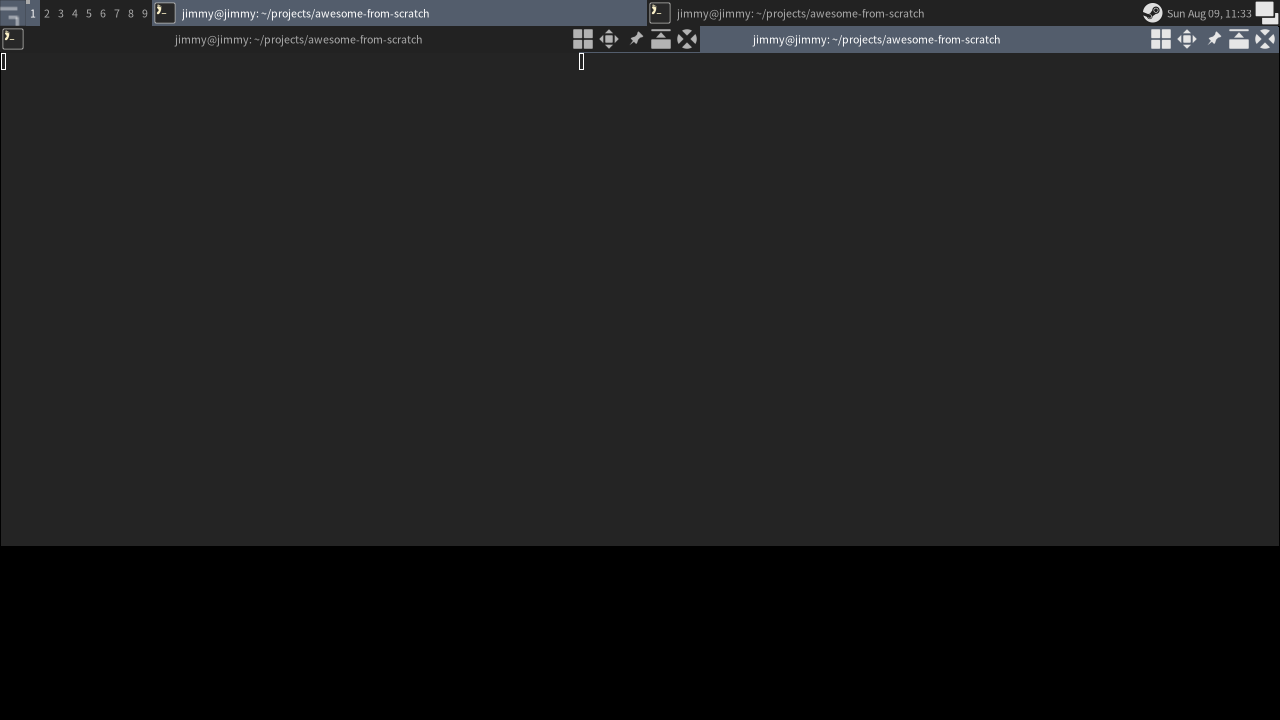
Checkpoint
The code for this chapter is the 00-default branch:
git checkout 00-default
somewm-client test start --config "$PWD/rc.lua" --name afs
There is no previous branch to diff against: this is the baseline every later git diff starts from.