Awesome(And SomeWM 1.4) From Scratch
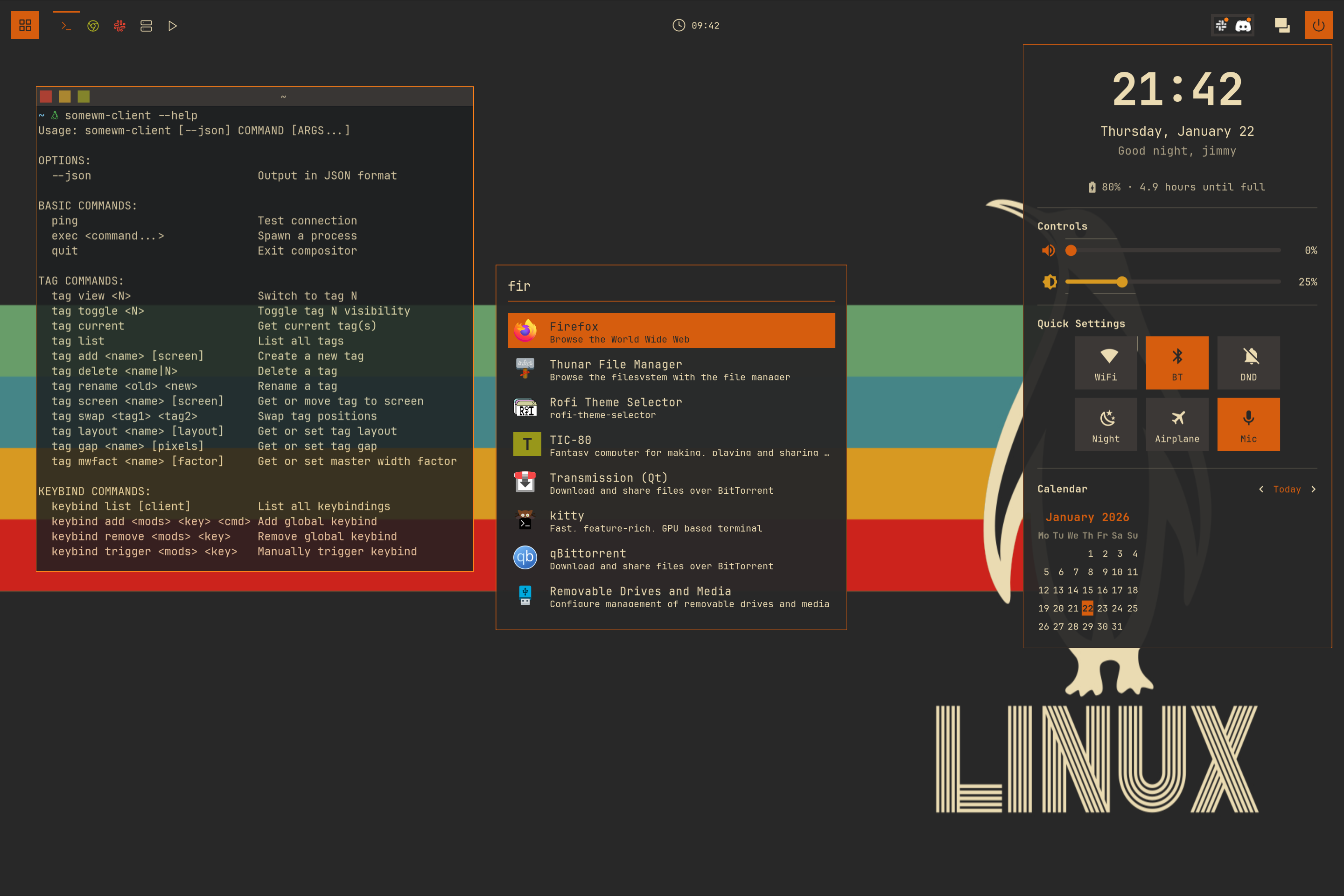
Build a desktop configuration in thirteen chapters: theme, widgets, bar, notifications, menus, launcher, dashboard, window switcher, and a SomeWM lockscreen.
Targets AwesomeWM master and SomeWM 1.4. AwesomeWM 4.3 is unsupported: the examples require ruled and newer request:: signals. SomeWM 2.x has API changes and is outside this series’ scope.
Read in order. Each chapter builds on the previous checkpoint. For individual additions to an existing config, use the standalone tutorials.
The Chapters
Chapters 00 to 05: the foundation
The structure every later chapter edits. Skip any of these and the files the feature chapters ask you to open will not exist.
- 00The Default ConfigThe baseline. What the stock rc.lua already does, and how to test a change in a nested session instead of your real desktop.
- 01ThemeA theme directory of your own: named palettes, semantic color roles, DPI-aware sizing, one global shape switch, and SVG assets recolored at load time.
- 02KeybindingsEvery binding moves into one scannable table in its own module, with the awful.key boilerplate generated instead of repeated.
- 03WidgetsFour real widgets and the shared wrapper vocabulary they are made of, fed by timers, async shell reads, and a custom signal.
- 04WibarThe stock bar goes away. A wibar factory, named tags with icons, a custom taglist that shows state, and a styled systray.
- 05Rules and TitlebarsWindows land where they should: apps routed to tags, dialogs floating, and titlebars drawn in your own theme.
Chapters 06 to 11: the features
A notification system, then a run of overlay UIs, all sharing one modal pattern that you extract yourself in chapter 07.
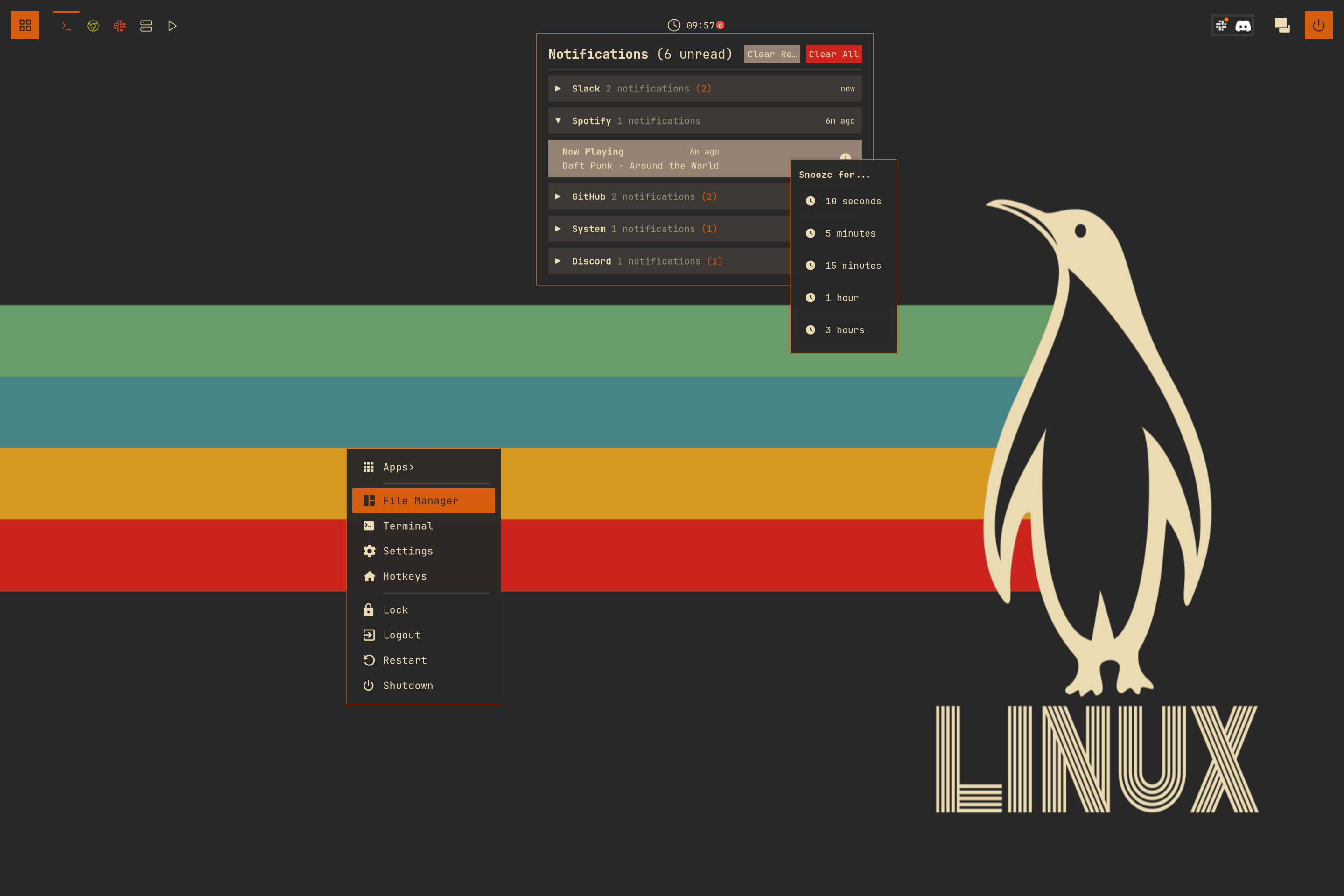
- 06NotificationsA full notification system: rule-based routing and styling, a history store with unread tracking, a notification center popup, and do-not-disturb.
- 07Exit ScreenThe pivot chapter. Extract the modal pattern into modal.lua, refactor the notification center onto it, and build a power menu as its first consumer.
- 08Main MenuA data-driven, fully themed replacement for awful.menu, built on the modal pattern from chapter 07.
- 09Window SwitcherAlt-Tab semantics: clients ordered most-recently-used, and hold-and-release input that deliberately does not fit the modal pattern.
- 10LauncherA native fuzzy-search app launcher: parse .desktop files, scan asynchronously, score matches, and cache icon lookups on disk.
- 11DashboardProfile, sliders, toggles, and calendar composed into one popup, bound two ways to the system without feedback loops.
Chapter 12: the finale
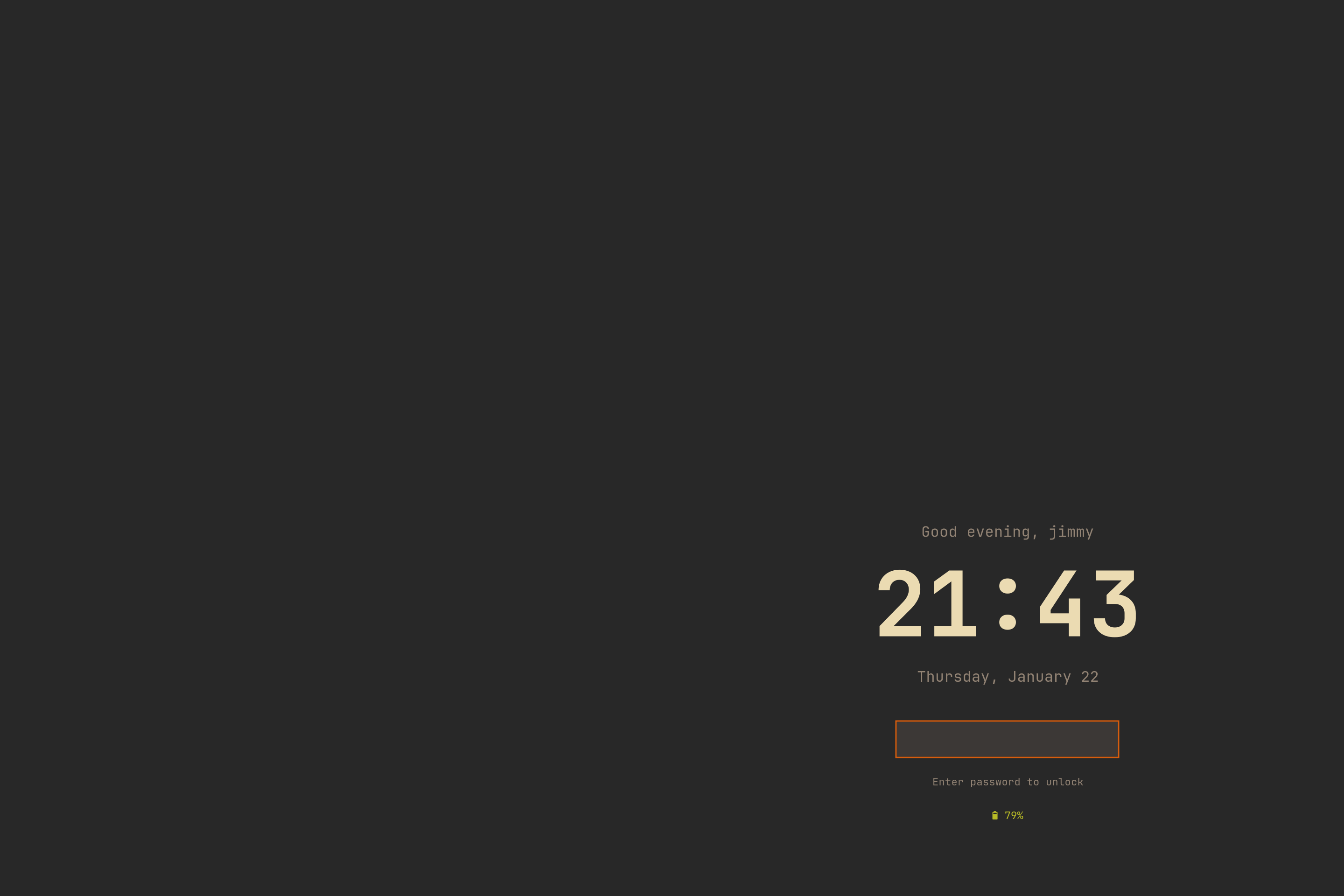
A native lock screen on SomeWM's session-lock API. somewm-only
Who This Is For
You should be comfortable reading Lua tables and functions. The chapters introduce window-manager concepts as they are needed.
SomeWM-only features are marked, with alternatives for AwesomeWM users.
Prerequisites
- SomeWM 1.4 or AwesomeWM master
- git and a terminal emulator
- JetBrainsMono Nerd Font, or another Nerd Font
- CLI tools for the widgets you use:
wpctl,brightnessctl,nmcli,bluetoothctl,upower, andplayerctl
How the Checkpoint Branches Work
trip-zip/awesome-from-scratch has a checkpoint branch per chapter. Check out a branch for the finished code, or compare adjacent branches:
git clone https://github.com/trip-zip/awesome-from-scratch.git
cd awesome-from-scratch

git checkout 03-widgets        # the finished code for chapter 3
git diff 02-keybindings 03-widgets   # exactly what chapter 3 added
Use the checkpoints to compare your work or catch up.
Running Your Work Safely
Test edits in a nested window before applying them to your desktop. Run these commands from the checkout.
SomeWM:
somewm-client test start --config "$PWD/rc.lua" --name afs
See nested testing and the Mod4 remapping caveat.
AwesomeWM: use Xephyr:
Xephyr :1 -ac -br -noreset -screen 1280x720 &
DISPLAY=:1 awesome -c "$PWD/rc.lua"
The config finds its modules relative to the specified rc.lua, so both commands work from the checkout.
How This Relates to the Other Tutorials
Use the standalone tutorials to add a theme, widgets, keybindings, or a bar to an existing config.
Start
Head to Chapter 00: The Default Config.